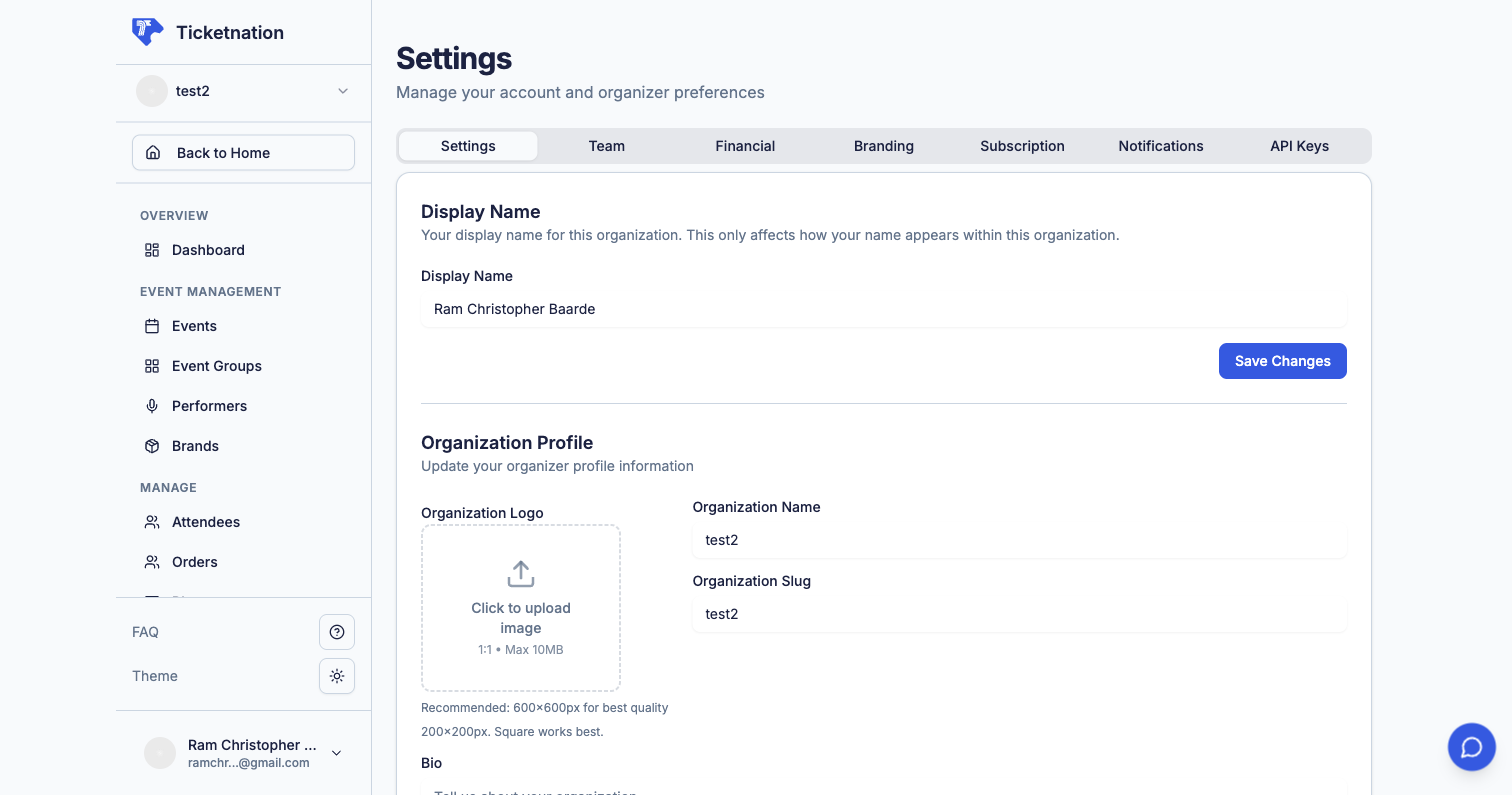
Organization settings page
Administrative controls that shape how your organization looks and operates on Ticketnation.

Organization Profile

Edit your organization’s name, email, contact info, description, and dashboard preferences. This appears on every event page you create, so keep it polished.

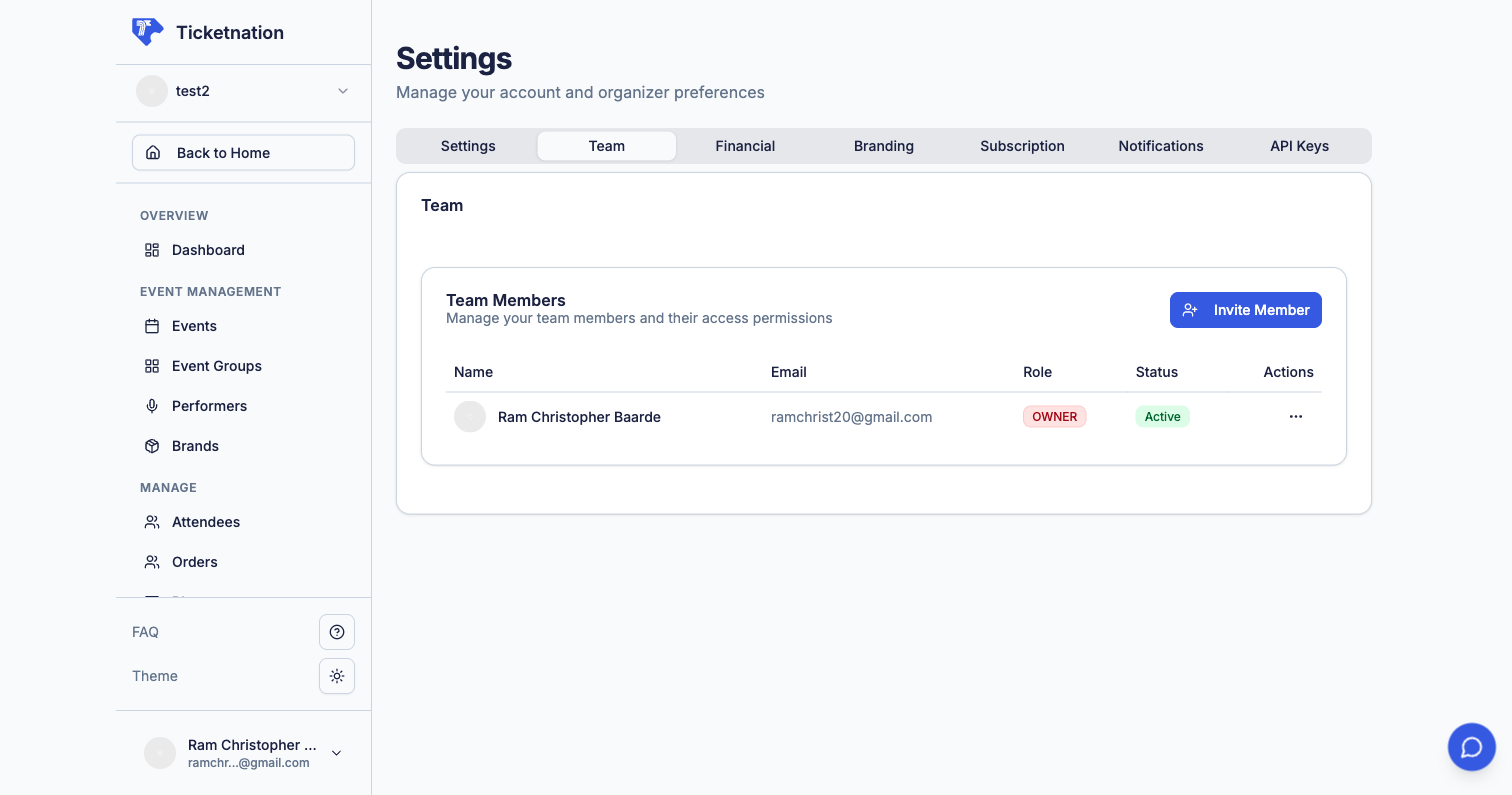
Team Management

Team management settings
Invite team members by email and assign roles that control what they can see and do.
RoleWhat They Can Do
AdminFull access to everything
ManagerManage events, orders, and attendees
ScannerScan tickets at the door
ViewerView-only access to dashboards and reports

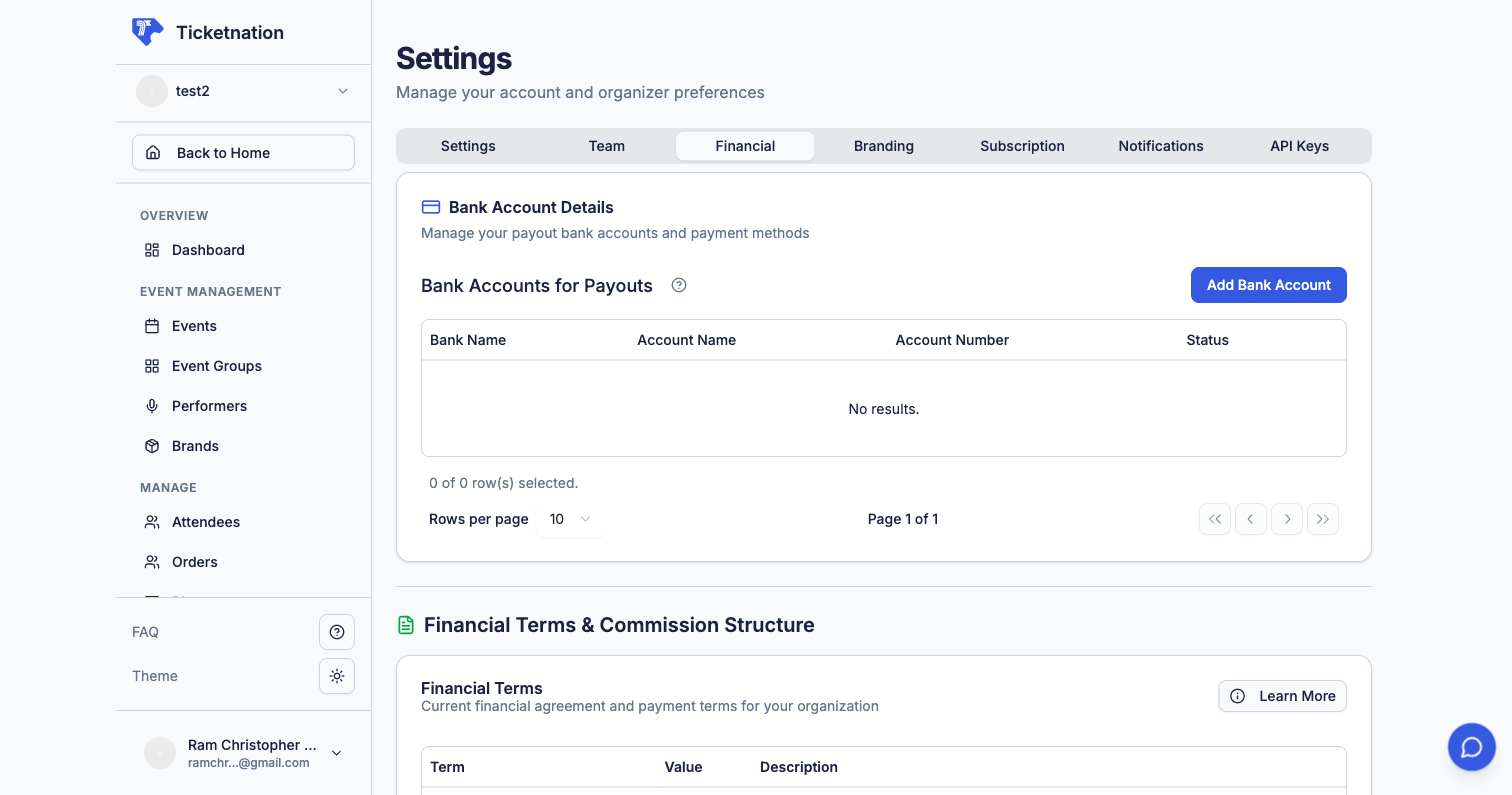
Bank Accounts & Financial Terms

Financial settings and bank accounts

API Keys

Generate secret keys that let external systems access your Ticketnation data — pull attendee lists, sync orders, or automate workflows. For organizers with technical teams who want to integrate with CRM systems or internal tools.

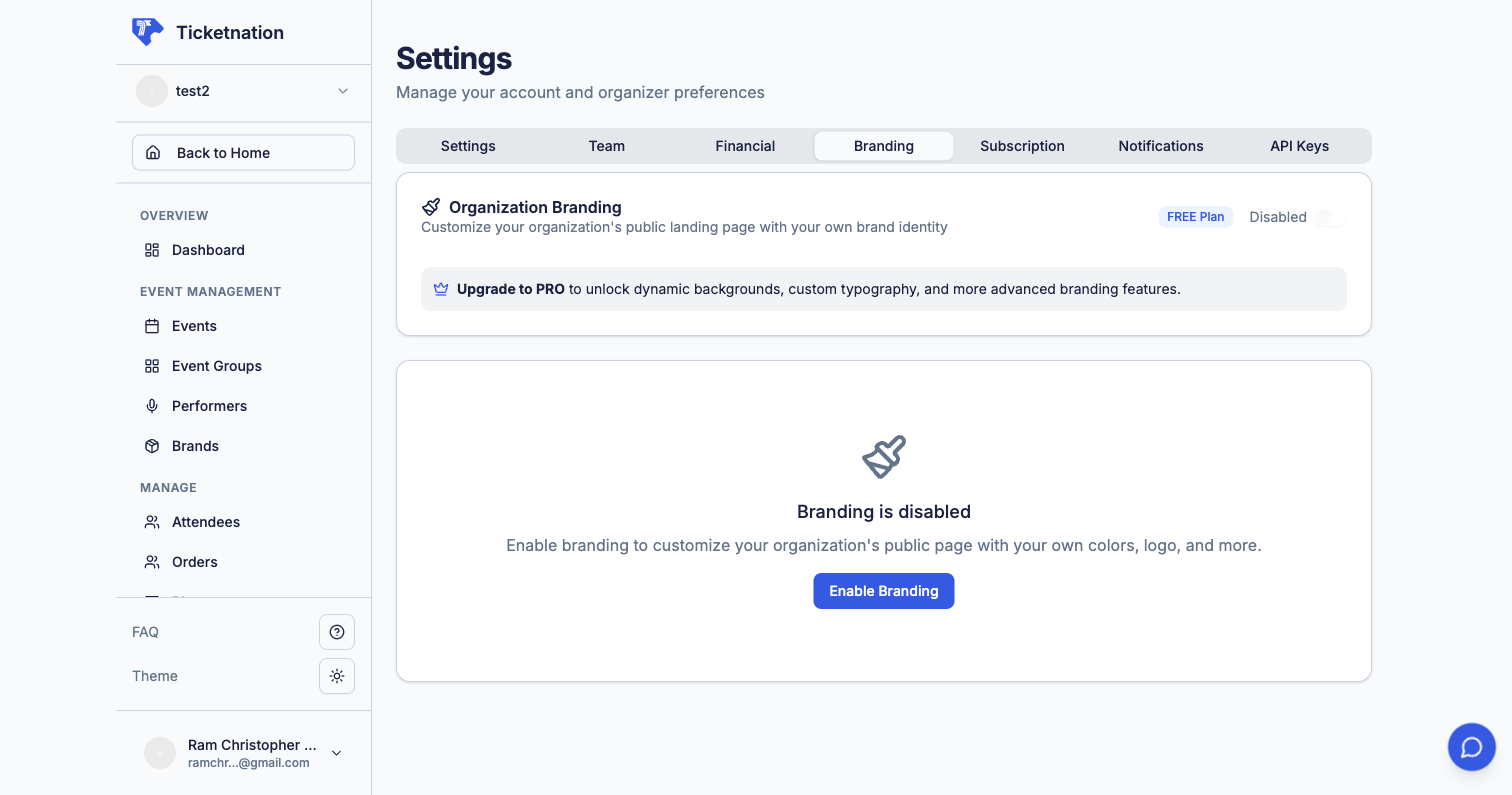
Branding

Branding settings
Upload your logo, set brand colors, and optionally connect a custom domain so your event pages feel like part of your own brand.

Subscription Plan

View your current subscription tier, included features, and billing history. Different plans unlock different capabilities.

AI Assistant

An AI chat helper available throughout your dashboard. Ask questions about event creation, get marketing suggestions, or let it help you write event descriptions.

System Messages

Internal notifications about important updates: new sales, payment confirmations, event approvals, and action items. Delivered via a notification bell in your dashboard.

Custom Navigation

Configure custom navigation menus for your public-facing organization pages. Add, remove, reorder, and rename menu items to match your brand.

Landing Pages

Build custom marketing or informational pages using a page builder with flexible content blocks. Great for promotional campaigns, about pages, or a branded web presence beyond your event listings.

Block Management

Need to restrict a specific user? Block individuals from purchasing tickets or accessing your events. Manage your block list with reasons for each entry.

Affiliate Management

Add affiliate partners, set commission rates, and track each affiliate’s performance — clicks, conversions, and earnings.

Attendee Feedback

View ratings (1-5 stars) and written feedback from attendees after each event. See aggregated scores and individual responses to identify what to improve.

Attendee Networking

For conferences and workshops: a feature that helps attendees connect with each other based on shared interests, industry, or goals. Networking is often the main reason people attend professional events.