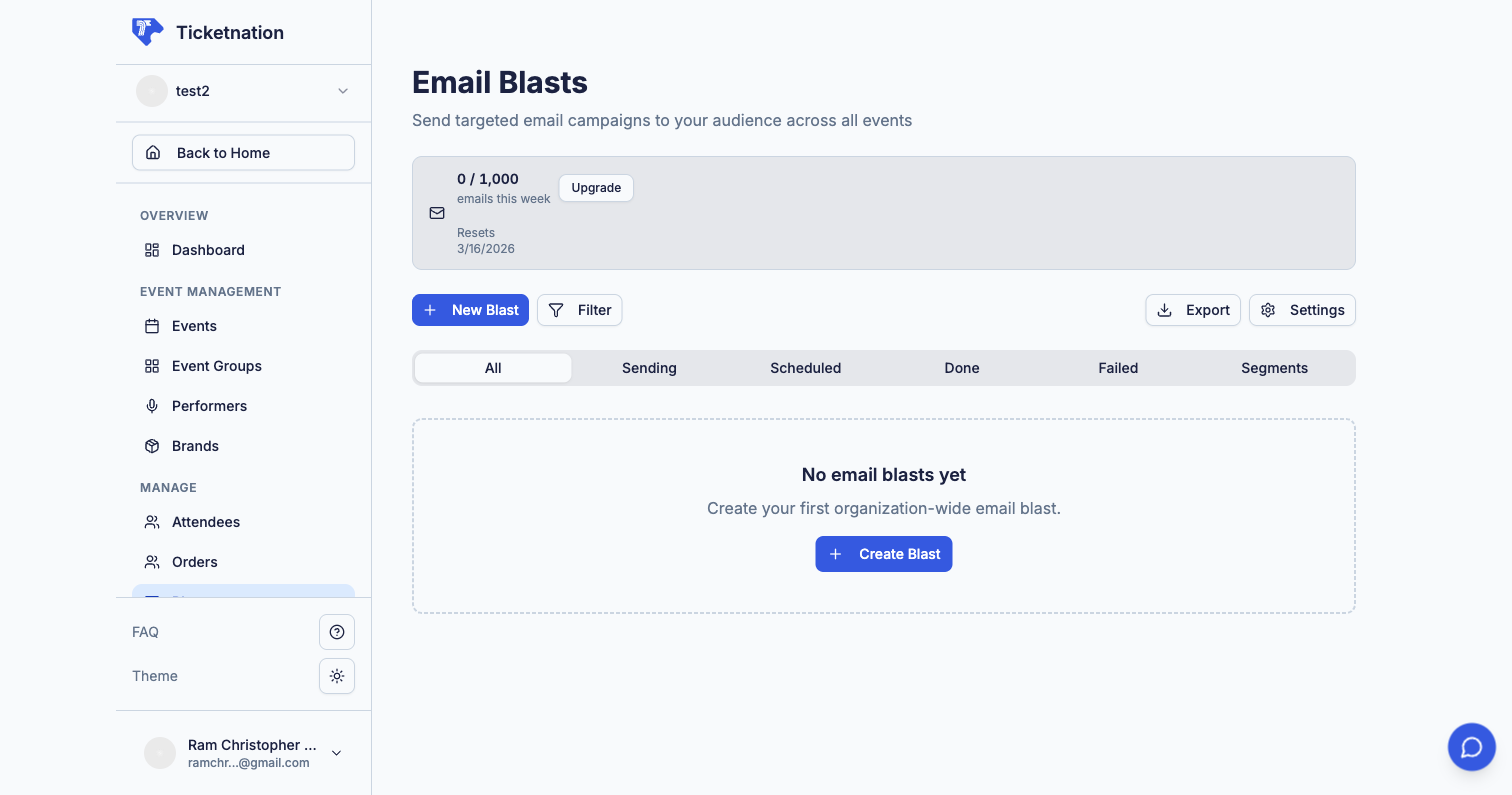
Design and send email blasts to promote events, share updates, or offer discounts. Send to all subscribers or target attendees of a specific event. Available from the Blasts section of your dashboard or per-event.
Create targeted groups based on rules — like “attended my last event” or “lives in Cebu” or “bought VIP before.” When you send an email campaign, you pick a segment instead of blasting everyone. Targeted messages get better results because people only see what’s relevant to them.
A complete log of every email sent from your organization — recipient, subject, date, and delivery status. Useful when someone says “I never got an email.”
Share updates, resources, and discussion topics with your event group community. Keep members engaged between events with posts, files, links, and guides.