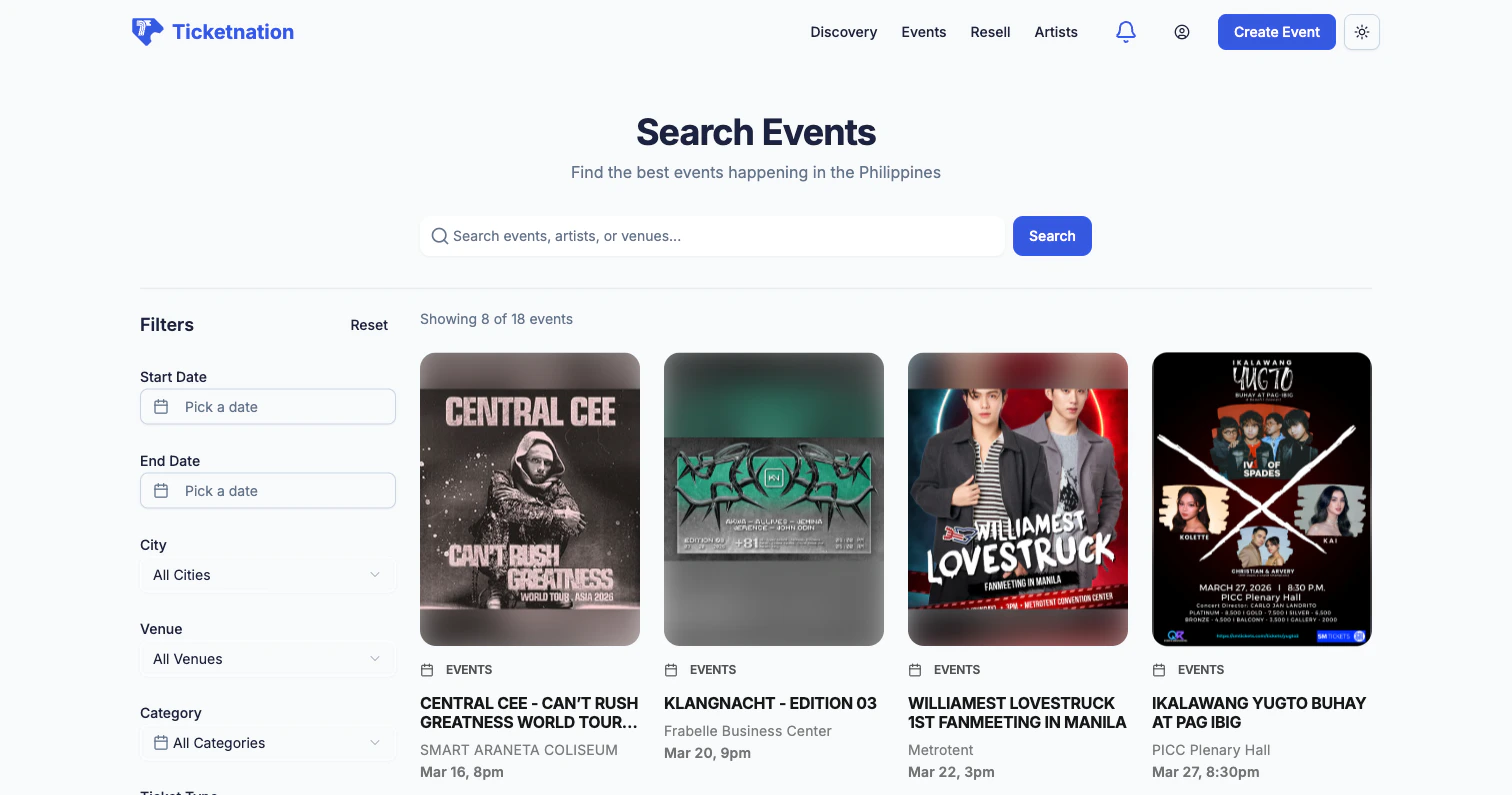
You’ve found an event you love. Here’s how you get your tickets.
Ticket Selection
Choose from available ticket types — General Admission, VIP, Early Bird, and more. Each shows the price and how many are left. Pick your type and quantity.
Season Tickets
Some organizers offer a series of events with a season ticket — a single pass that grants access to every event in the group, usually at a bundled discount.
Checkout
Review your selected tickets, enter attendee information, and apply any discount codes. Some events have custom registration forms that ask for extras like company name, dietary preferences, or T-shirt size. Free events skip the payment step entirely.
Payment Methods
Ticketnation supports the payment methods that matter most in the Philippines and beyond.
QRPH is a great option if you don’t have a credit card. Just scan the QR code with your banking app and the payment goes through instantly.
Cart
Your selected tickets appear in a cart where you can adjust quantities, apply promo codes, and review your subtotal before completing the purchase.
Event Registration
Some events require registration instead of (or in addition to) a ticket purchase. Fill in the organizer’s custom form fields — anything from your name and email to industry, company, and session preferences.
Delivery Options
Choose how you want to receive your tickets: email delivery, in-app QR code, print-at-home PDF, or will-call pickup at the venue. Different ticket types may have different delivery options.
Theater Seating
For events with assigned seating, you’ll see a visual venue map showing sections, rows, and individual seats. Pick your exact spot before you buy.