> ## Documentation Index
> Fetch the complete documentation index at: https://docs.ticketnation.ph/llms.txt
> Use this file to discover all available pages before exploring further.
# Marketing & Email
> Send campaigns, segment audiences, and review results.
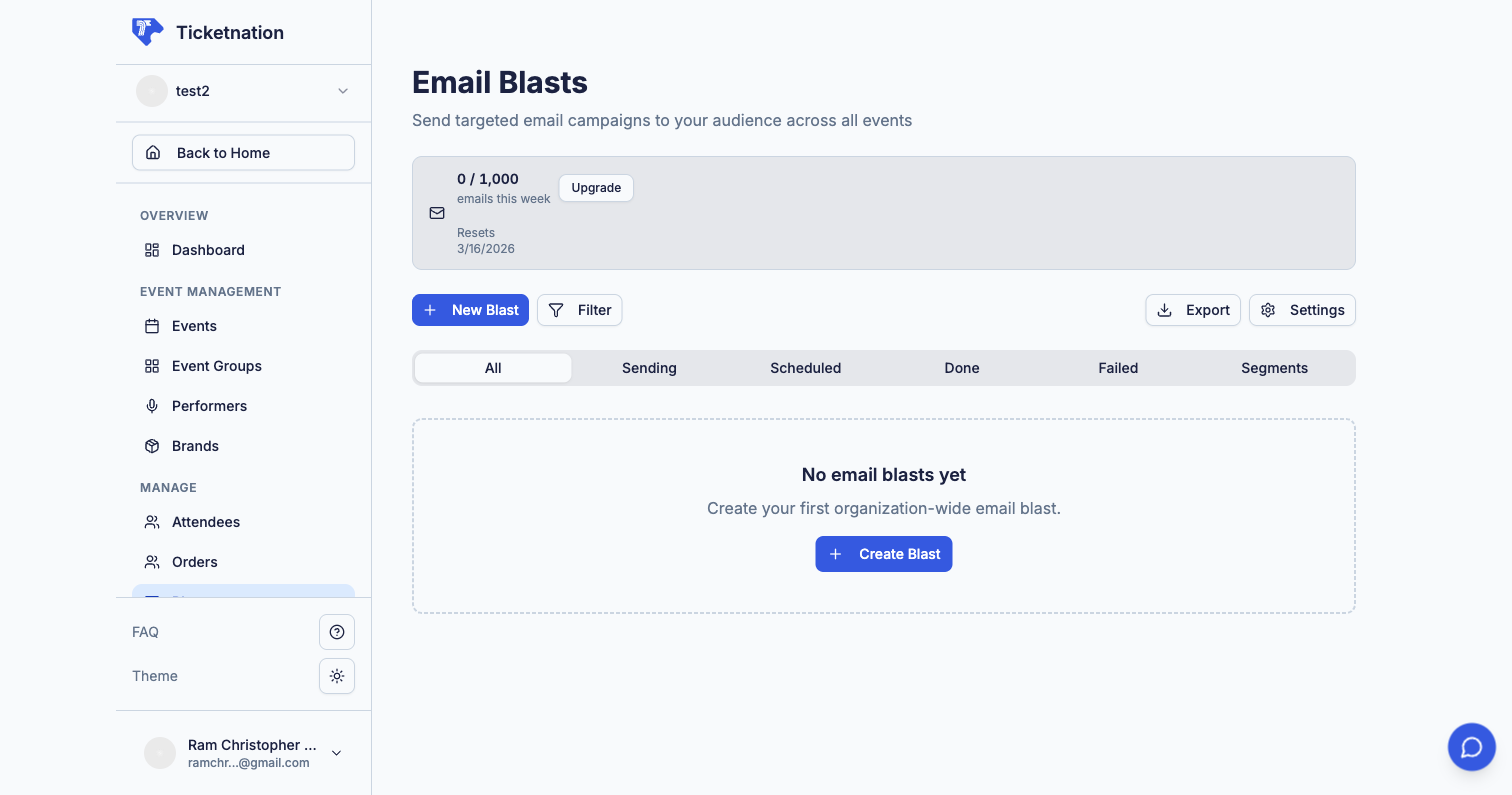 Selling tickets doesn't stop at listing the event. These tools help you reach your audience directly.
## Email Campaigns
Design and send email blasts to promote events, share updates, or offer discounts. Send to all subscribers or target attendees of a specific event. Available from the Blasts section of your dashboard or per-event.
## Audience Segments
Create targeted groups based on rules — like "attended my last event" or "lives in Cebu" or "bought VIP before." When you send an email campaign, you pick a segment instead of blasting everyone. Targeted messages get better results because people only see what's relevant to them.
## Email Campaign Results
After sending, see how your campaign performed.
| Metric | What It Tells You |
| -------------------- | ---------------------------------------------------- |
| **Open Rate** | Whether your subject line is working |
| **Click Rate** | Whether your content and offer are compelling |
| **Unsubscribe Rate** | Whether you're sending too often or missing the mark |
## Email History
A complete log of every email sent from your organization — recipient, subject, date, and delivery status. Useful when someone says "I never got an email."
## Community Posts
Share updates, resources, and discussion topics with your event group community. Keep members engaged between events with posts, files, links, and guides.
Selling tickets doesn't stop at listing the event. These tools help you reach your audience directly.
## Email Campaigns
Design and send email blasts to promote events, share updates, or offer discounts. Send to all subscribers or target attendees of a specific event. Available from the Blasts section of your dashboard or per-event.
## Audience Segments
Create targeted groups based on rules — like "attended my last event" or "lives in Cebu" or "bought VIP before." When you send an email campaign, you pick a segment instead of blasting everyone. Targeted messages get better results because people only see what's relevant to them.
## Email Campaign Results
After sending, see how your campaign performed.
| Metric | What It Tells You |
| -------------------- | ---------------------------------------------------- |
| **Open Rate** | Whether your subject line is working |
| **Click Rate** | Whether your content and offer are compelling |
| **Unsubscribe Rate** | Whether you're sending too often or missing the mark |
## Email History
A complete log of every email sent from your organization — recipient, subject, date, and delivery status. Useful when someone says "I never got an email."
## Community Posts
Share updates, resources, and discussion topics with your event group community. Keep members engaged between events with posts, files, links, and guides.