> ## Documentation Index
> Fetch the complete documentation index at: https://docs.ticketnation.ph/llms.txt
> Use this file to discover all available pages before exploring further.
# Buying Tickets
> Select tickets, check out, and pay with your preferred method.
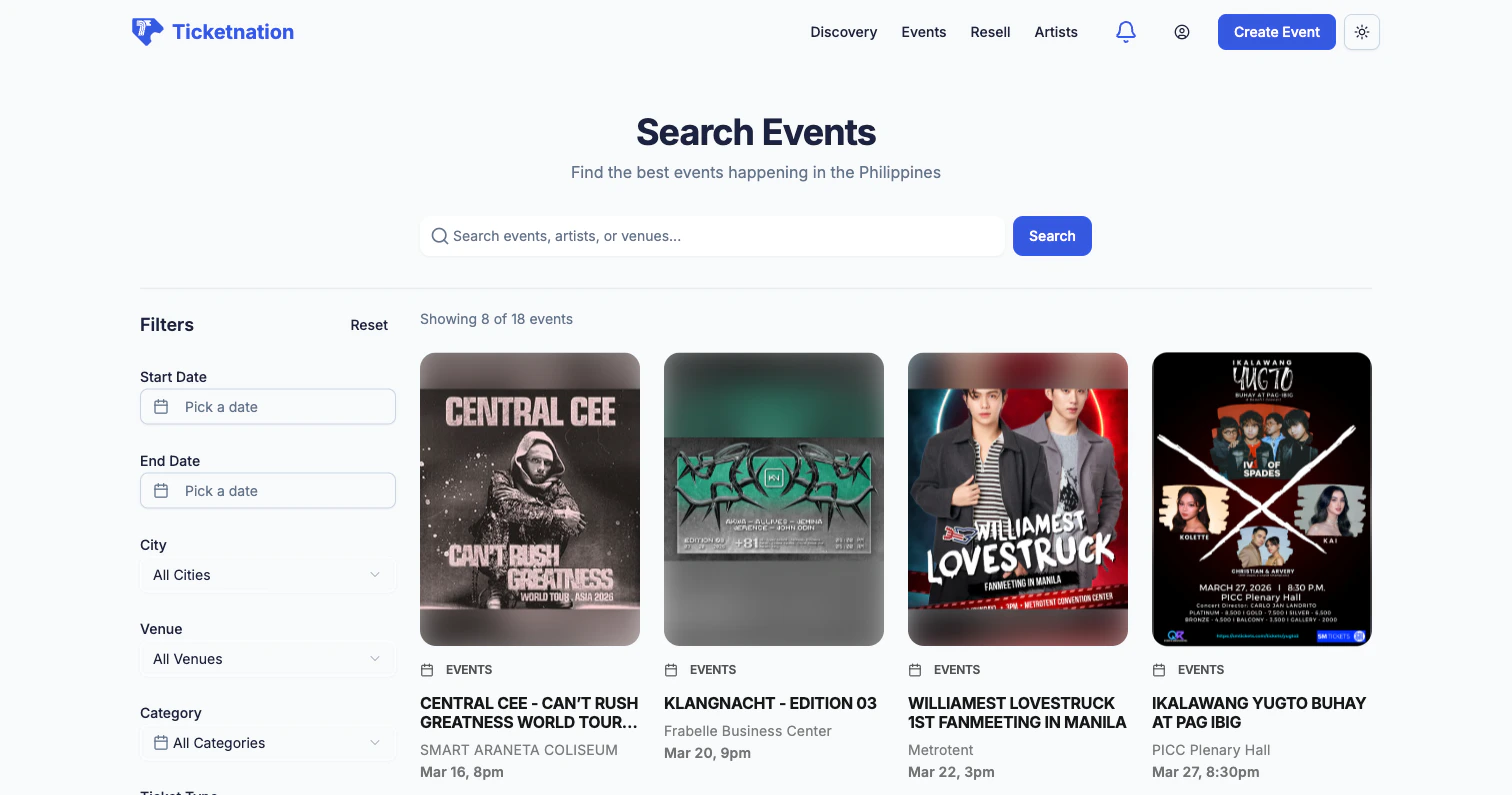 You've found an event you love. Here's how you get your tickets.
## Ticket Selection
Choose from available ticket types — General Admission, VIP, Early Bird, and more. Each shows the price and how many are left. Pick your type and quantity.
## Season Tickets
Some organizers offer a series of events with a season ticket — a single pass that grants access to every event in the group, usually at a bundled discount.
## Checkout
Review your selected tickets, enter attendee information, and apply any discount codes. Some events have custom registration forms that ask for extras like company name, dietary preferences, or T-shirt size. Free events skip the payment step entirely.
## Payment Methods
Ticketnation supports the payment methods that matter most in the Philippines and beyond.
| Method | Description |
| --------------------- | -------------------------------------------------------------------------------- |
| **Credit/Debit Card** | Visa, Mastercard, and more through PayMongo |
| **GCash** | The most popular e-wallet in the Philippines |
| **PayPal** | For international buyers |
| **QRPH** | The Philippine national QR payment standard — scan with any banking app |
| **Xendit** | Additional options including e-wallets, bank transfers, and installment payments |
QRPH is a great option if you don't have a credit card. Just scan the QR code with your banking app and the payment goes through instantly.
## Cart
Your selected tickets appear in a cart where you can adjust quantities, apply promo codes, and review your subtotal before completing the purchase.
## Event Registration
Some events require registration instead of (or in addition to) a ticket purchase. Fill in the organizer's custom form fields — anything from your name and email to industry, company, and session preferences.
## Delivery Options
Choose how you want to receive your tickets: email delivery, in-app QR code, print-at-home PDF, or will-call pickup at the venue. Different ticket types may have different delivery options.
## Theater Seating
For events with assigned seating, you'll see a visual venue map showing sections, rows, and individual seats. Pick your exact spot before you buy.
You've found an event you love. Here's how you get your tickets.
## Ticket Selection
Choose from available ticket types — General Admission, VIP, Early Bird, and more. Each shows the price and how many are left. Pick your type and quantity.
## Season Tickets
Some organizers offer a series of events with a season ticket — a single pass that grants access to every event in the group, usually at a bundled discount.
## Checkout
Review your selected tickets, enter attendee information, and apply any discount codes. Some events have custom registration forms that ask for extras like company name, dietary preferences, or T-shirt size. Free events skip the payment step entirely.
## Payment Methods
Ticketnation supports the payment methods that matter most in the Philippines and beyond.
| Method | Description |
| --------------------- | -------------------------------------------------------------------------------- |
| **Credit/Debit Card** | Visa, Mastercard, and more through PayMongo |
| **GCash** | The most popular e-wallet in the Philippines |
| **PayPal** | For international buyers |
| **QRPH** | The Philippine national QR payment standard — scan with any banking app |
| **Xendit** | Additional options including e-wallets, bank transfers, and installment payments |
QRPH is a great option if you don't have a credit card. Just scan the QR code with your banking app and the payment goes through instantly.
## Cart
Your selected tickets appear in a cart where you can adjust quantities, apply promo codes, and review your subtotal before completing the purchase.
## Event Registration
Some events require registration instead of (or in addition to) a ticket purchase. Fill in the organizer's custom form fields — anything from your name and email to industry, company, and session preferences.
## Delivery Options
Choose how you want to receive your tickets: email delivery, in-app QR code, print-at-home PDF, or will-call pickup at the venue. Different ticket types may have different delivery options.
## Theater Seating
For events with assigned seating, you'll see a visual venue map showing sections, rows, and individual seats. Pick your exact spot before you buy.